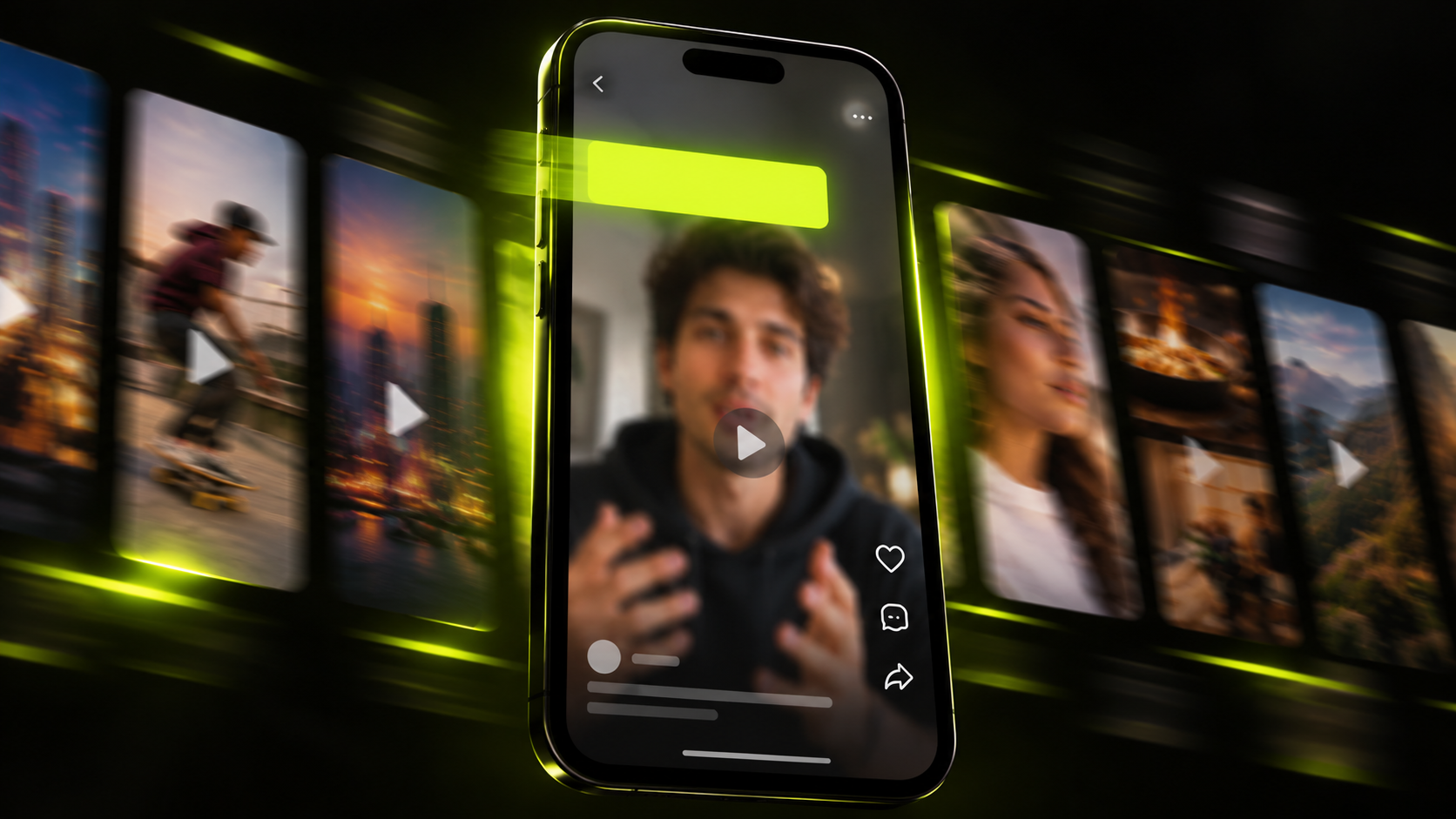
An on-screen text hook is a short title burned into the first seconds of a short. Use one when the spoken opening is slow, or when viewers may have the sound off. Keep it to a few words. Place it clear of the app's buttons, give it strong contrast, and leave it up long enough to read twice.
The formulas and timing math work on any vertical app. Placement guidance comes from YouTube and Meta, so check TikTok's layout in its app. Text is one layer of the opening, so start with how to hook a short in the first 3 seconds.
The short version
- Add a text hook when the first spoken words are slow, or when the clip needs context without sound.
- Pick one formula: result, question, myth, number, warning, payoff or label. Then make sure the clip delivers it.
- Keep text out of the top 14%, bottom 35% and 6% of each side. Meta's Reels ad guidance makes a useful rule of thumb.
- Aim for a 4.5:1 contrast ratio, borrowed from the WCAG web standard. A solid bar behind the text makes that easy to hit.
- Average silent reading runs about 238 words per minute. Plan for about 2 words per second, since viewers are also watching the picture.
- Keep captions in their own layer. Let the text hook frame the first spoken line, not repeat it.
When a text hook beats a spoken one
A text hook earns its place when the audio alone can't carry the first seconds. Instagram's creator FAQ says to "make sure the first 3 seconds of your reel are engaging" (Instagram). Instagram has also written about View Rate, a measure tied to viewing past 3 seconds (Instagram).
In a clip cut from long-form footage, you can't re-film the speaker. You can add a line of text on top.
Reach for a text hook in these cases:
- The speaker warms up slowly. Clips often open on "So, the thing about this is..." while the point arrives later.
- The sound is off. Some viewers scroll on mute, and text tells them the topic before the speech makes sense.
- The clip needs context. Viewers may not know who is speaking or what question came before.
- Nobody talks yet. Gameplay, cooking and product demos often open on pictures alone.
The platforms build text tools for this. YouTube's Shorts editor lets you "tap Text to add on-screen text to your video" (YouTube Help). YouTube adds that text can make Shorts "more accessible to all." Instagram's Reels tips suggest you "add music or subtitles to make the reel more engaging" (Instagram).
Skip the text hook when the first spoken line is already sharp. A strong line plus a competing title splits attention. For openings that work by voice alone, browse 50 hook examples for shorts.
7 text hook formulas
Each formula is a pattern for one line of on-screen text. The illustrations are invented, not quotes from real clips.
1. The result first
State where the clip ends up. This works when the speaker takes a while to reach the outcome.
Illustration: a guest spends ten seconds describing her old mornings before the change. Text hook: "How I stopped hitting snooze."
2. The question the clip answers
Pose the question the speaker is answering. Interview clips often start on an answer whose question was asked off camera.
Illustration: a host was asked why restaurants struggle, and the clip opens mid-answer. Text hook: "Why new restaurants close so fast."
3. The myth
Name a common belief that the clip pushes back on. Only use it when the speaker actually makes that argument.
Illustration: a running coach slowly explains how she warms up athletes. Text hook: "Stretching isn't your warm-up."
4. The number
Promise a countable list. The clip must contain every item, or the count becomes a broken promise.
Illustration: a podcaster walks through lessons from a first year. Text hook: "3 mistakes from my first year."
5. The warning
Flag a risk the viewer might face. Keep it specific, and keep it true to what the speaker says.
Illustration: a lawyer explains the small print in rental contracts. Text hook: "Read this before you sign a lease."
6. The payoff tease
Point at a moment later in the clip. This holds viewers only if the moment lands, so check it's inside the clip.
Illustration: a streamer talks through a long setup before a clutch play. Text hook: "Watch the last 5 seconds."
7. The label
Tell viewers who is speaking or what they're seeing. It helps most when the speaker isn't well known or the scene is unclear.
Illustration: a nurse describes a hard shift on a podcast. Text hook: "ER nurse on her longest night." If you clip other people's videos, the label must be accurate.
Where to place a text hook: safe zones
Put the text hook near the top of the safe area, below the top margin. Keep it clear of the buttons, comments and description that each app draws over the video.
YouTube Help says its visual guides show "where elements like the like button, comments, and video description might appear" (YouTube Help). That page gives no percentages, so use the guides to check your frame by eye.
Meta does publish numbers, for Reels ads. Its ad specs say to keep 14% of the top, 35% of the bottom and 6% of each side clear (Meta). Those figures are ad guidance. Treat them as a rule of thumb for organic shorts, not a platform rule.
On a 1080x1920 frame, the margins work out like this:
| Margin | Share of frame | Pixels on 1080x1920 |
|---|---|---|
| Top | 14% | about 269 |
| Bottom | 35% | about 672 |
| Each side | 6% | about 65 |
That leaves a safe box about 950 pixels wide. It runs from about 269 to 1,248 pixels down the frame.
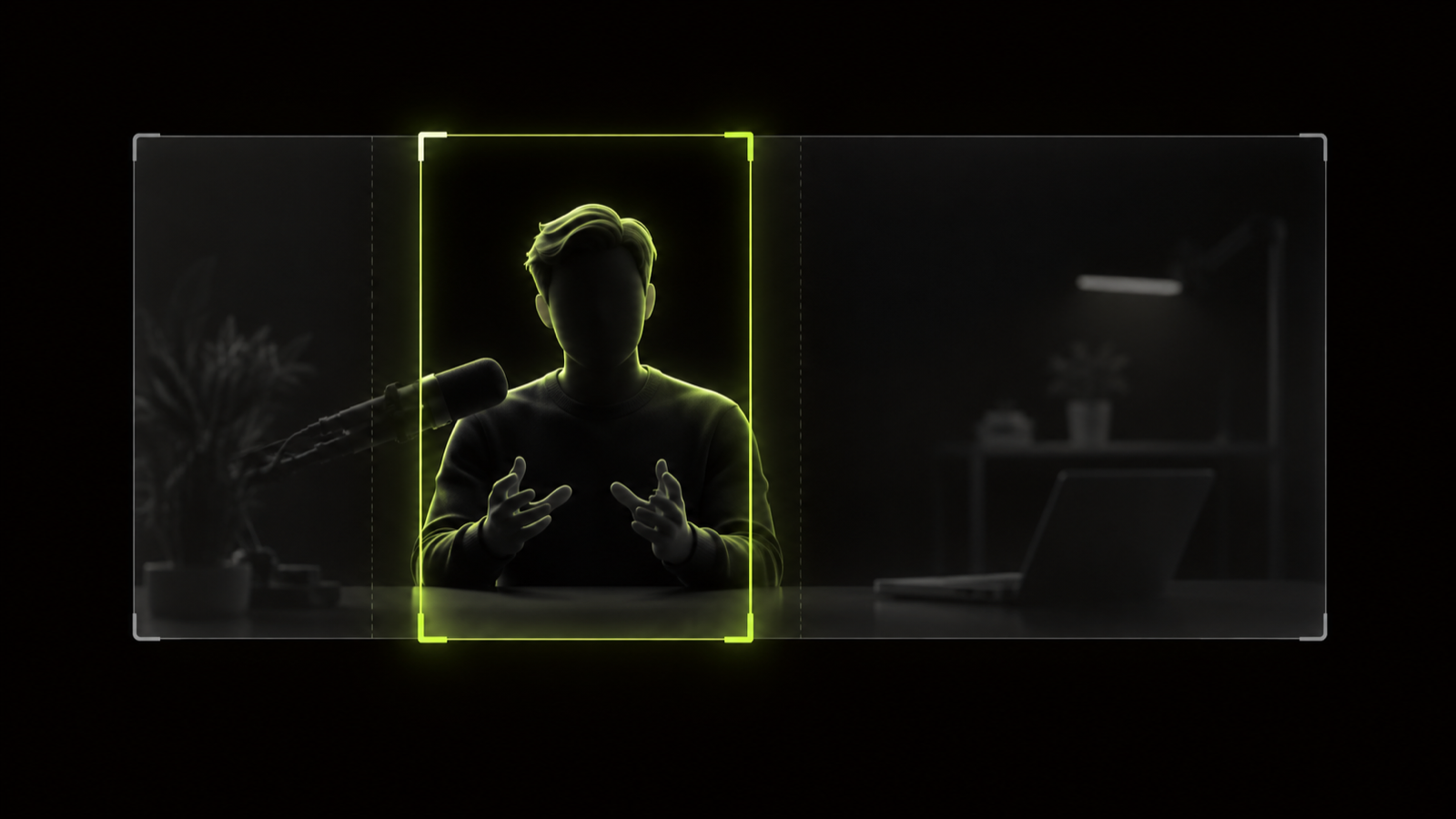
Our recommendation: put the text hook at the top of that box. Keep the speaker's face below it, and save the lower part of the box for captions. TikTok draws its own interface, so preview the clip in the TikTok app before you post there.
Font size and contrast
None of the sources here sets a font size for text hooks. A practical test: play the export on your phone at arm's length with the sound off. If you squint, go bigger or cut words.
Caption guidance is a useful ceiling. The DCMP Captioning Key allows "no more than two lines per caption" (DCMP). A text hook should be shorter still: one line, two at most.
For contrast, borrow a web standard. WCAG 2.2 success criterion 1.4.3, Level AA, asks for "a contrast ratio of at least 4.5:1" (W3C). Large text, meaning 18 point or 14 point bold, needs at least 3:1.
Three details from that standard matter for video:
- It covers images of text, which is what burned-in text becomes.
- The thresholds aren't rounded. A ratio just under 4.5:1 doesn't pass.
- W3C lists low-contrast text over a background image as a failure, numbered F83.
WCAG was written for web pages, not shorts. Point sizes don't map cleanly onto video pixels, so aim for 4.5:1 whatever the size.
Over moving footage, contrast changes from frame to frame. Our recommendation: set the text on a solid bar, then check text against bar color with any contrast checker.
How long the text stays on screen
Leave the text up for at least twice the time it takes to read it. Viewers are reading and watching the picture at the same time.
A 2019 meta-analysis by Brysbaert reviewed 190 studies of reading speed (Journal of Memory and Language). It put the average silent reading rate at about 238 words per minute (BPS Research Digest).
Divide by 60 and you get about 4 words per second. That conversion is our arithmetic, not the study's. It also assumes the reader does nothing but read, which isn't true on a short.
So we halve it and plan for about 2 words per second. DCMP's caption guidance is a useful cross-check. Its highest presentation rate is 160 words per minute, about 2.7 words per second (DCMP).
| Words in the hook | Pure reading time at 4 words per second | Planning time at 2 words per second |
|---|---|---|
| 3 | about 0.75 seconds | about 1.5 seconds |
| 5 | about 1.25 seconds | about 2.5 seconds |
| 8 | about 2 seconds | about 4 seconds |
A five-word hook needs about 2.5 seconds by this math. That fits inside the first 3 seconds Instagram calls out. An eight-word hook spills past it, which is one more reason to cut words.
In YouTube's Shorts editor, you can "use the Timeline to edit when text is shown" by dragging its start and end. Some creators leave the title up for the whole clip. That's a style choice, as long as it doesn't crowd the captions.
Match the text to the first spoken line
The text hook and the first spoken line should point the same way. The text frames the clip, and the speech carries it forward.
Two patterns work well:
- Frame: the text says what the clip is about, and the speaker starts the story.
- Echo: the text states the speaker's point in fewer words than the speaker uses.
Avoid text that contradicts the speech, promises something the clip never reaches, or repeats the captions word for word.
Illustration: the speaker opens with "So, I've run this bakery for twelve years, and nobody tells you about the oven." Text hook: "The oven mistake new bakers make."
Sound-off viewers learn the topic in one glance. Captions carry the speech below. The speaker reaches the oven within a few seconds, so the hook pays off. For caption size, style and timing, see captions for shorts.
How to add a text hook in Hookspring
In Hookspring, text overlays and captions are separate layers, and both are burned into the export. Here's the pass:
- Find your clips with Create → Long video → Find clips.
- Sort the review list by score. Each hook score rates the opening 1 to 3 seconds and comes with a plain-English reason.
- Open a clip in the Editor. Trim to the strongest start with the timeline handles.
- Add the hook from the Editor toolbar → Text. Write one line using a formula above.
- Keep captions in the Captions tab, with the Hook, Minimal or News template. They're word-timed from the transcript, so don't rebuild them as text overlays.
- Play the opening with the sound off. Check placement against the safe zones, contrast against the background and time to read.
- Export from Editor → Export → Download. You get a 720p or 1080p vertical MP4, rendered in your browser with no watermark.
Mistakes to avoid
- Promising a payoff the clip never delivers.
- Writing more words than the time on screen allows.
- Placing text where the app's buttons or description cover it.
- Setting thin text over busy footage with no bar or shadow.
- Covering the speaker's face with the title.
- Stacking the text hook on top of the captions.
- Writing a label that isn't true, such as a job title the speaker doesn't hold.
FAQ
What is a text hook?
A short line of on-screen text in a short's opening seconds. It tells viewers what the clip is about, often before the speaker gets there.
How long should text stay on screen?
Average silent reading is about 238 words per minute, roughly 4 words per second. Viewers also watch the picture, so plan for about 2 words per second. A five-word hook needs about 2.5 seconds.
Where should a text hook go?
Near the top of the frame, inside the safe area. As a rule of thumb, Meta's Reels ad guidance keeps the top 14%, bottom 35% and 6% per side clear.
What font size should a text hook be?
No official size exists. Pick one you can read on a phone at arm's length, in one line or two. Aim for at least 4.5:1 contrast against the background.
Should the text hook match what's said first?
Yes, the two should point the same way. Let the text frame the topic or sum up the point. Don't contradict the speaker or repeat the captions word for word.
Written and maintained by the Hookspring team. Spot an error or something out of date? Email hello@hookspring.com.
Sources
- Instagram Creators FAQ, Instagram, retrieved 2026-10-18
- Helping creators of all sizes break through, Instagram Creators blog, retrieved 2026-10-18
- Shorts editing tips, YouTube Help, retrieved 2026-10-19
- Enhance your Shorts, YouTube Help, retrieved 2026-10-19
- Instagram Reels tips and tricks, Instagram, retrieved 2026-10-19
- Instagram Reels video ad specs, Meta Ads Guide, retrieved 2026-10-18
- Captioning Key: Text, DCMP, retrieved 2026-10-18
- Understanding Success Criterion 1.4.3: Contrast (Minimum), W3C, retrieved 2026-10-19
- How many words do we read per minute? A review and meta-analysis of reading rate, Brysbaert (2019), Journal of Memory and Language, retrieved 2026-10-19
- Coverage of Brysbaert's reading-rate review (2019-06-13), BPS Research Digest, retrieved 2026-10-19
- Captioning Key: Presentation Rate, DCMP, retrieved 2026-10-18