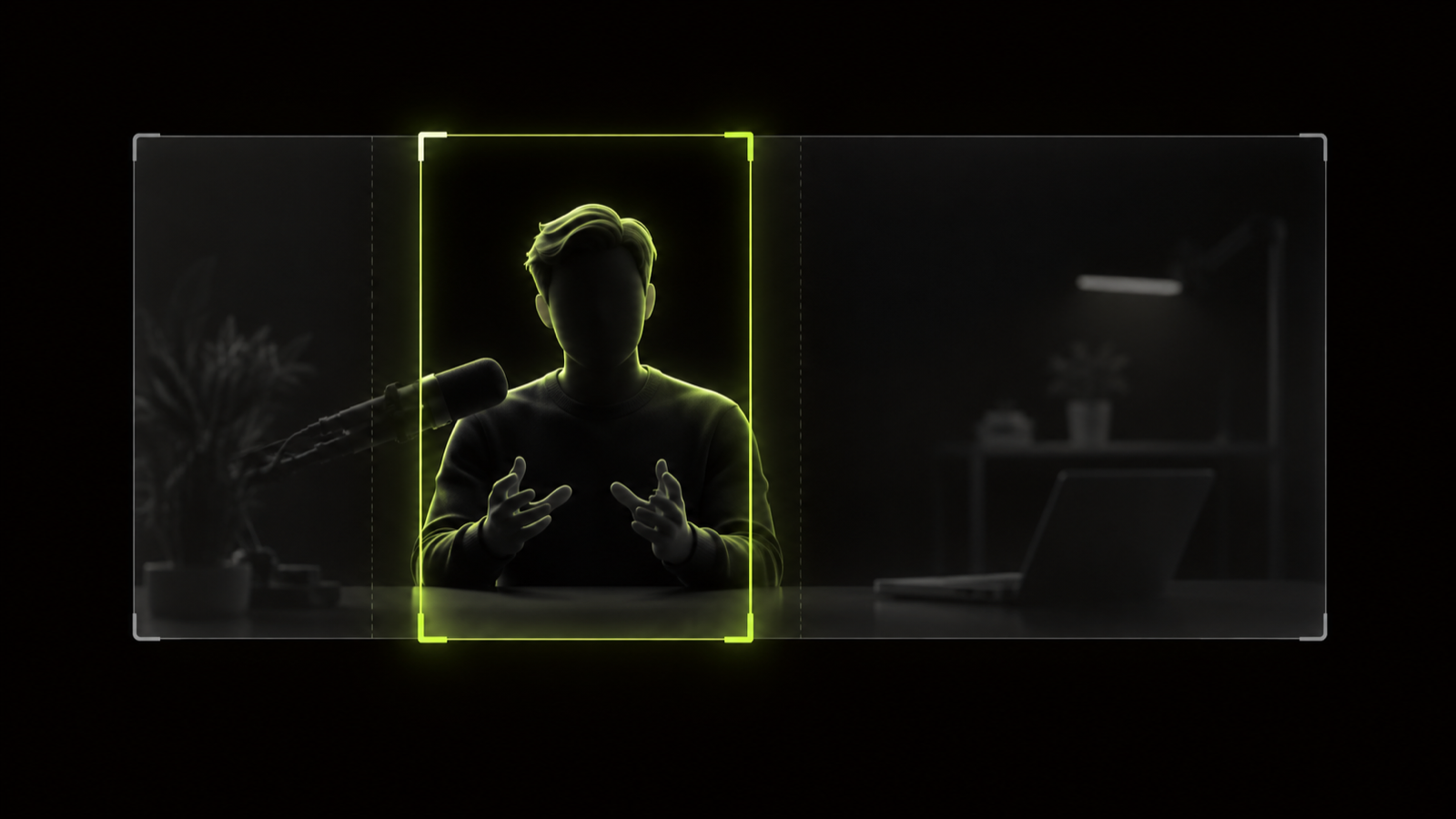
To add captions to shorts that people actually read, keep them to one or two short lines. Use a plain, high-contrast font. Place them clear of the app's buttons, and time each word to the speech. Then read every word before you post, because automatic captions make mistakes.
Where a standard exists, we cite it: W3C, the DCMP Captioning Key, the FCC, Meta and YouTube. Where none exists, we say so. The advice applies to YouTube Shorts, TikTok and Instagram Reels alike. Only the closed caption steps are YouTube-specific.
If you're cutting clips from a long video, the complete workflow for turning long videos into shorts covers the steps before this one.
The short version
- Caption every short. WCAG lists captions for prerecorded video as a Level A success criterion.
- Show no more than two lines at once, and break lines at natural phrase breaks.
- Use white, medium-weight sans serif text with a shadow or translucent box, in mixed case.
- Keep captions out of the bottom 35% of the frame. Meta's Reels ad guidance is a useful rule of thumb.
- Burned-in captions show everywhere but can't be turned off. Closed captions on YouTube can be toggled by viewers.
- Read every auto caption before you post. One missed "not" can flip a sentence's meaning.
Why caption your shorts
Accessibility comes first. WCAG 2.2 success criterion 1.2.2 is a Level A requirement. It says: "Captions are provided for all prerecorded audio content in synchronized media" (W3C). Without captions, deaf and hard-of-hearing viewers miss what's said.
Under WCAG, captions cover more than speech. They also carry non-speech audio, such as sound effects, music, laughter and who is speaking. If the punchline is a crowd laughing, that laugh belongs on screen.
Many hearing viewers watch without sound, too. In a 2019 Verizon and Publicis survey, 69% of US adults said they watch video with sound off in public (Streaming Media). That survey covers video in general, not shorts, so treat it as context.
Captions can also help people follow what's said. A 2015 review by Gernsbacher states that "more than 100 empirical studies document that captioning a video improves comprehension" (PMC). It also links captions to better attention and memory. The largest gains were for non-native speakers, early readers, and deaf and hard-of-hearing viewers.
Keep that in proportion. It's a narrative review, not a meta-analysis, and it doesn't measure short-form engagement. Nothing here promises that captions raise views on shorts.
How many words per line, and how many lines
Show no more than two lines at a time. The DCMP Captioning Key is a style guide from the Described and Captioned Media Program. It sets "no more than two lines per caption" (DCMP).
There's no official words-per-line number. DCMP gives no characters-per-line limit, and no short-form standard exists either. On a narrow 9:16 frame, short lines of a few words are common practice, not a rule.
Where you break a line matters as much as its length. DCMP says to break at natural linguistic breaks. Don't end a line on a conjunction like "and" or "but", and keep names and phrases together.
Here's an illustration, not a real quote. A speaker says: "I quit my job in March and started the podcast with no plan at all."
- Weak break: "I quit my job in March and" / "started the podcast with no plan at all."
- Better break: "I quit my job in March" / "and started the podcast," then a new caption, "with no plan at all."
The better version ends each line on a complete phrase. It also saves the payoff, "no plan at all," for its own caption.
Reading speed
DCMP's presentation rate guidance allows up to 130, 140 or 160 words per minute, depending on the audience level (DCMP). Treat those numbers as guidance, not a speed limit for your speaker.
At 160 words per minute, a 30-second clip carries about 80 words of captions. A fast talker can blow past that. DCMP says editing out "uh" and "um" is acceptable, which brings the text closer to a readable pace.
DCMP also allows a caption to lead or lag the audio by up to 15 frames. At 30 frames per second, that's half a second.
Font, size and contrast that read on a phone
Pick a plain font with strong contrast. DCMP recommends white, medium-weight sans serif text with a drop or rim shadow, and prefers a translucent box behind it. Lean on the shadow or box when the footage behind the text is bright or busy.
Use mixed case. DCMP reserves all caps for shouting, so save capitals for the moment someone actually raises their voice.
No standard sets a font size for short-form captions, and the platforms don't publish one. A practical target: big enough to read on a phone at arm's length, small enough to fit two lines inside the side margins.
To test it, play the export on your own phone at normal distance with the sound off. If you squint at any word, go bigger or cut words from the line.
If you highlight the spoken word in a color, keep the base text high contrast. The line should stay readable when the highlight moves on.
In Hookspring, the Captions tab offers three templates: Hook, Minimal and News. Pick one, then run the phone test before you post.
Where to place captions: safe zones
Keep captions in the middle band of the frame, clear of the edges. Each app lays its own interface over the video.
Meta's ad guide says to keep "at least 14% of the top, 35% of the bottom, and 6% on each side" free (Meta). That guidance is written for Reels ads. Use it as a rule of thumb for organic shorts, not as a platform rule.
On a 1080x1920 frame, those margins work out to roughly:
- 269 pixels at the top
- 672 pixels at the bottom
- 65 pixels on each side
The sources here give no matching numbers for YouTube or TikTok, so Meta's margins make a sensible default there too. For each platform's current limits, see short-form video specs for Shorts, Reels and TikTok.
DCMP's default is the bottom of the screen, moved to the top when captions would cover faces or on-screen text. On a short, the bottom belongs to the app, so work in the middle band. Keep captions off the speaker's mouth and eyes.
If the short also carries a text hook, keep the two apart. The guide to on-screen text hooks that stop the scroll covers where titles sit. To frame the speaker before you place captions, follow the vertical editing workflow.
Before you post, play the clip in each app's upload preview and look for words hidden behind buttons.
Word-timed vs block captions
Block captions show a full phrase or sentence at once, then swap to the next. Word-timed captions show or highlight each word as it's spoken. Each has a trade-off.
- Block captions let readers see the whole phrase and read at their own pace. They match DCMP's two-line, phrase-break approach.
- Block captions can drift, though. If a phrase runs long, the text lingers after the speaker has moved on.
- Word-timed captions track the speech closely. Each word lands as it's said, even with a fast talker.
- Word-timed captions that show one word at a time give little context. Over a long clip, that can feel choppy.
Our recommendation for most talking-head shorts: word-timed captions in short lines, with phrases kept together. You get tight sync without cutting the text down to single words.
Hookspring's captions are word-timed. Every word in the transcript gets its own timestamp, so the captions follow the audio without manual syncing.
Burned-in vs closed captions
Burned-in captions are part of the video picture. WCAG calls these open captions, which "cannot be turned off." Closed captions are a separate track that viewers can switch on and off.
| Question | Burned-in (open) captions | Closed captions |
|---|---|---|
| Can viewers turn them off? | No | Yes |
| Can viewers change size, color or position? | No | In many players, yes |
| Do they travel with the MP4 to TikTok or Reels? | Yes, they're in the picture | No, the track stays where you uploaded it |
| Who controls the look? | You choose font, color and position | Viewers can restyle them in many players |
The W3C notes that many players let viewers change caption size, color and position, which only works with closed captions (W3C WAI). It also separates two terms. Captions are in the same language as the audio, while subtitles are a translation.
On YouTube, add a closed caption track in YouTube Studio under Subtitles → Add language → Add (YouTube Help). You can upload a file, auto-sync a transcript or type captions manually. YouTube suggests sound tags like "[applause]" for non-speech audio.
Our recommendation: burn captions in, because they're the only kind that travels to every app. A YouTube closed track can also serve viewers who need to restyle text, though both sets may then show at once.
How to caption a short in Hookspring
Hookspring burns captions into the video at export, so they show wherever you post the file. Here's the caption pass:
- Get the clip into the Editor. From a long video, go to Create → Long video → Find clips, then open a clip from the review list.
- Open the Captions tab. The captions come from the word-level transcript, so every word is already timed.
- Cut first. Click ✂ on a line to cut that part of the clip, so you don't style lines you'll delete.
- Pick a template: Hook, Minimal or News.
- Read the captions line by line. Fix any wrong word, name or number, and edit filler words out of the caption text.
- Play the clip through with the sound off and read along.
- Export from Editor → Export → Download. You get a 720p or 1080p vertical MP4 with captions burned in and no watermark.
The export renders in your browser. Editing, captions and export are unlimited, and credits only pay for transcription and hook scoring.
Check auto captions before you post
Automatic captions are a first draft. YouTube offers them on long-form videos and Shorts, but says quality "may vary" with accents, dialects and background noise (YouTube Help). They also "may not be ready at the time that you upload."
The W3C says automatic captions don't meet accessibility needs unless someone confirms they're fully accurate. Its example is a missed "not," which reverses the meaning.
Here's an illustration: the speaker says "This plan is not working," and the auto caption reads "This plan is working." One dropped word flips the clip.
To fix a Short's auto captions on YouTube, open Studio → Subtitles, select the video, then More → Edit. For English, YouTube also offers expressive captions, which show intensity in caps and sounds like sighs.
The same check applies to any tool's transcript, Hookspring's included. Read for the words that change meaning: negatives, names, numbers and product terms.
The FCC's four caption quality standards, applied to shorts
The FCC's caption quality rules, in 47 CFR 79.1(j)(2), cover US television, not social video (Cornell LII). They still make a clear checklist for a short.
| Standard | FCC wording | What it means for a short |
|---|---|---|
| Accuracy | Captions "shall match the spoken words" | Every word, name and number matches the audio. Fix auto caption errors line by line. |
| Synchronicity | Captions "shall coincide with the corresponding spoken words" | Each word appears as it's said. DCMP allows up to 15 frames early or late. |
| Completeness | Captions run "from the beginning to the end of the program" | Caption the whole clip, from the first word of the hook to the last line. |
| Placement | Captions "shall not block other important visual content" | Keep captions off faces, text hooks and the app's button areas. |
Run the four checks on your next short in order: accuracy, sync, completeness, placement. Then post.
FAQ
Do YouTube Shorts get captions automatically?
Yes, YouTube offers automatic captions on Shorts. Quality may vary, and they may not be ready right after upload. To fix them, go to Studio → Subtitles, select the video, then More → Edit.
Should I burn captions in or use closed captions?
Burn them in if you post the same clip to several apps, since they travel with the file. Viewers can't turn them off or resize them, though. YouTube closed captions can be toggled and, in many players, restyled.
What font size should captions be on shorts?
No official font size exists for short-form captions. Pick a size you can read on a phone at arm's length that still fits two lines inside the side margins.
Where should captions go so app buttons don't cover them?
Put captions in the middle band of the frame. As a rule of thumb, Meta's Reels ad guidance keeps the top 14%, bottom 35% and 6% per side free. On a 1080x1920 frame, that's about 269, 672 and 65 pixels.
How many words should be on screen at once?
No official words-per-line number exists. DCMP's Captioning Key allows two lines per caption, broken at natural phrase breaks. Its reading rate guidance tops out at 160 words per minute for upper-level audiences.
Written and maintained by the Hookspring team. Spot an error or something out of date? Email hello@hookspring.com.
Sources
- Understanding Success Criterion 1.2.2: Captions (Prerecorded), W3C, retrieved 2026-10-18
- Captions/Subtitles, W3C Web Accessibility Initiative, retrieved 2026-10-18
- 47 CFR 79.1, Closed captioning of televised video programming, Cornell Legal Information Institute, retrieved 2026-10-18
- Captioning Key: Text, DCMP, retrieved 2026-10-18
- Captioning Key: Presentation Rate, DCMP, retrieved 2026-10-18
- Use automatic captioning, YouTube Help, retrieved 2026-10-18
- Add subtitles and captions, YouTube Help, retrieved 2026-10-18
- Video Captions Benefit Everyone, Gernsbacher (2015), Policy Insights from the Behavioral and Brain Sciences, via PMC, retrieved 2026-10-18
- 80% of Video Caption Users Aren't Hearing Impaired, Finds Verizon, Streaming Media, retrieved 2026-10-18
- Instagram Reels video ad specs, Meta Ads Guide, retrieved 2026-10-18