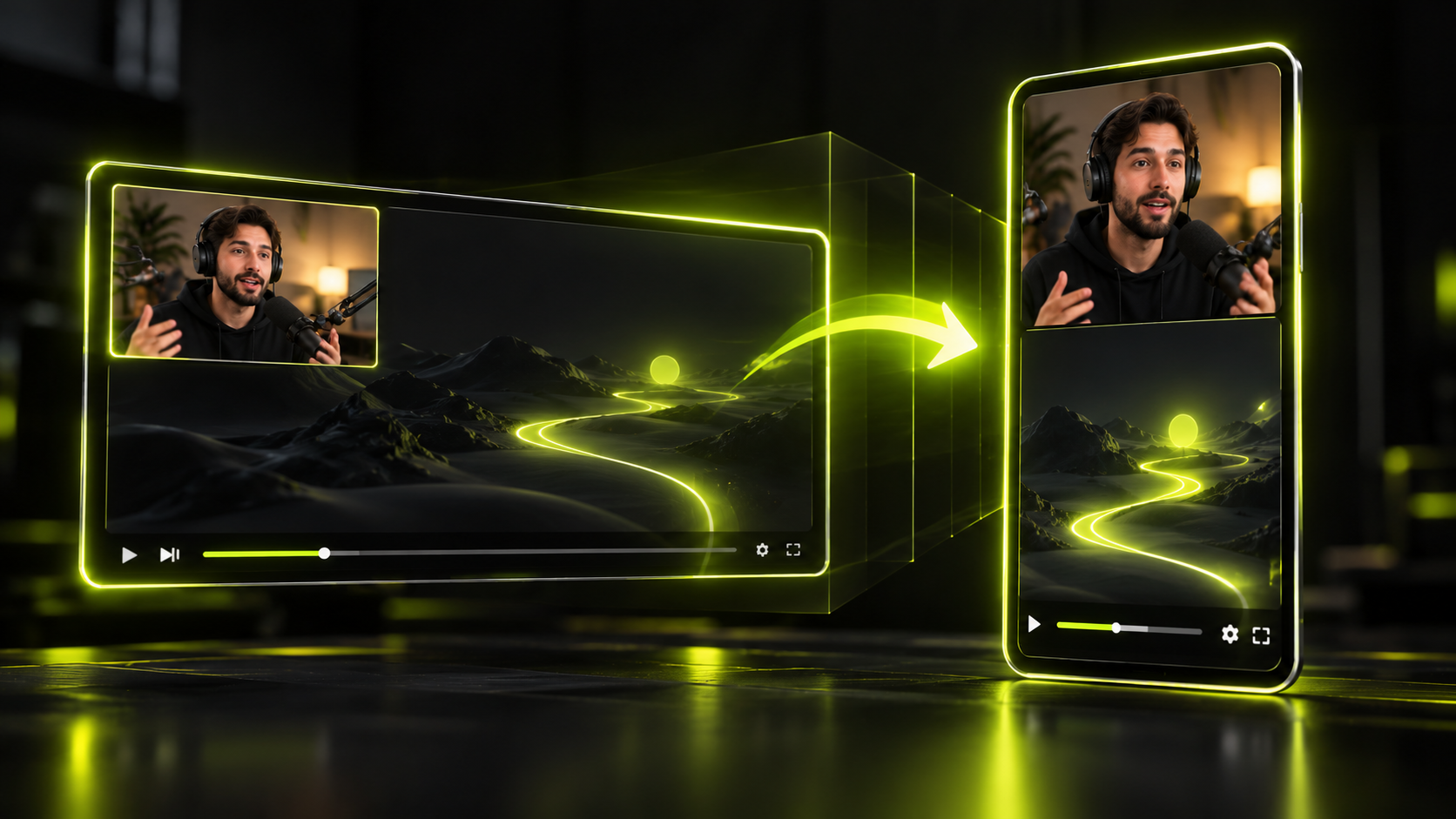
To turn YouTube Shorts viewers into long-form subscribers, set the related video link on every Short you cut from a long video. It's the one clickable path YouTube documents for a Short. Then pick clips that make the full video worth a tap, and check which content type actually earns your subscribers.
That's a short list on purpose. YouTube makes links in Shorts descriptions and comments non-clickable. Its help pages for end screens and cards don't mention Shorts at all. And YouTube publishes no data on how many Shorts viewers go on to watch long-form. This guide sticks to what YouTube documents and labels everything else as our advice.
The short version
- The related video link is the only clickable link YouTube documents for a Short. It shows under your channel handle.
- You set it in Studio → Content → the Short → Related Video. Your channel needs advanced feature access.
- Shorts you cut with Studio's Clips and Shorts tool get the source video added as the related video automatically.
- URLs in Shorts descriptions and comments aren't clickable. End screens and cards aren't documented for Shorts.
- Pick clips that raise a question the full video answers, while still making sense on their own.
- YouTube Analytics shows subscribers gained by content type. It has no metric for where Shorts viewers go next.
- YouTube says Shorts "can help drive traffic" to long-form, but it publishes no conversion numbers.
The related video link is the one clickable path YouTube documents for a Short
The related video link adds "a clickable link below your channel handle" on a Short. That's per YouTube's Help page on adding a related video. A viewer who taps it goes to the video you picked. For a Short cut from an episode, that should be the full episode.
The feature dates back to 2023. On Sep 1, 2023, Tubefilter reported that Shorts could now link to long-form videos, live streams or other Shorts. It came after YouTube removed clickable links from Shorts to fight spam.
How to set it in YouTube Studio
- Open YouTube Studio and go to Content.
- Open the Short you want to link.
- Find Related Video and choose the video it should point to.
- Click Save.
The same Help page sets four rules:
- Your channel needs advanced feature access.
- The target must be public or unlisted.
- The target must follow YouTube's Community Guidelines.
- The target can be a video, a Short or a live stream.
If you can't find the Related Video option, check advanced feature access first, since the Help page lists it as a requirement. Also note what the page doesn't cover. It documents no click count for the link, so you won't see how many people tapped it.
Studio's Clips and Shorts tool adds the link for you
If you make a Short from your own long video with Studio's Clips and Shorts tool, YouTube adds the source as its related video automatically. That's per YouTube's Help page on the Clips and Shorts tool.
YouTube documents that automatic link only for Shorts made in Studio. If you edit a Short somewhere else and upload it yourself, set the related video by hand.
What doesn't link from a Short
On descriptions and comments, YouTube is direct. URLs in Shorts descriptions and comments are "non-clickable," per YouTube's Help page on links in Shorts. You can type a URL, but nobody can tap it.
End screens and cards are a different case: YouTube just doesn't document them for Shorts.
- End screens need a video "at least 25 seconds long," and they can promote a subscribe, a video or a playlist. They're built for long-form videos, and YouTube's end screens Help page doesn't list Shorts.
- Cards are described this way: "Info cards can feature a video, playlist, channel, or link." The cards Help page doesn't mention Shorts.
Playlists can hold Shorts. The playlists Help page notes that reordering "isn't available for playlists that only contain YouTube Shorts." It doesn't describe any link from a Short to a playlist.
| Tool | What YouTube's Help pages say about Shorts |
|---|---|
| Related video link | A clickable link below your channel handle |
| URL in the description | Non-clickable |
| URL in a comment | Non-clickable |
| End screen | Shorts aren't listed on the end screens page |
| Card | Shorts aren't mentioned on the cards page |
| Playlist | Shorts can be saved to playlists |
Some guides tell you to put a link in a pinned comment or add an end screen to a Short. Check the Help pages above before you spend time on either.
Write a pointer, not a link, in your pinned comment
A pinned comment on a Short can't hold a live link. It can still tell viewers where to tap. Pinning is a common way to keep your comment near the top of the thread. That makes it a good spot for one plain sentence pointing at the related video link.
An illustration, not a real comment: A Short shows a guest's surprising answer, and the full episode explains why. The pinned comment could read: "The full story is in the episode. Tap the video link under my channel name."
A few habits help the pointer work. They're our advice, not YouTube rules:
- Name what the viewer gets in the full video, not just "full video here."
- Describe where the link sits, under your channel name, instead of pasting a URL nobody can tap.
- Match the pointer to the Short. If the clip asks a question, say the episode answers it.
- Use the same wording on every Short, so regular viewers learn where to look.
You can add the same pointer as a short text line near the end of the clip. Keep it brief, so it doesn't cover your captions.
Pick clips that make people want the full video
For a long-form teaser, pick a clip that leaves something unanswered. A clip that ties up the whole story gives a viewer no reason to tap. A clip that opens a bigger question gives them one. That's our editorial advice, not a YouTube statement.
There's a balance, though. The Short still has to work for a stranger who has never seen your channel. Open on a real hook, make one complete point, and let the bigger question hang at the end. A clip that cuts off mid-sentence just feels broken.
Here's an illustration. A 70-minute interview covers how a founder nearly lost her company. A good teaser opens on "We had nine days of cash left." It ends once she explains the first fix, while the full rescue stays in the episode. The viewer got a full point and still wants the rest.
Use these checks when you choose a teaser:
- Does the opening line make sense with no earlier context?
- Does the clip make one point a stranger can repeat?
- Is there a bigger question the full video clearly answers?
- Would the related video link feel like the obvious next step?
If your long-form is a podcast, our guide to turning a podcast into shorts covers finding these moments in long conversations. For the wider growth plan around clips, see how to grow followers with clips.
Cut a teaser clip in Hookspring, then link it in Studio
In Hookspring, you can find and cut the teaser from the full episode in one pass:
- Go to Create → Long video, upload the episode or paste its YouTube link, and click Find clips. The credit cost shows before you start.
- Open the review list and sort by score. Each clip's hook score rates its opening 1 to 3 seconds and comes with a plain-English reason.
- Choose a clip that sets up a question the full episode answers. Drag the timeline handles so it starts on the hook and ends on a complete point.
- To drop a tangent, open Editor → Captions and click ✂ on that line.
- Add your pointer with the Text tool in the editor toolbar, for example "Full episode: link under my name."
- In the Captions tab, pick the Hook, Minimal or News template, then go to Export → Download and choose 1080p.
- Upload the Short to YouTube. In Studio → Content, open it, set Related Video to the full episode, and click Save.
Step 7 matters because YouTube documents the automatic link only for Shorts made with Studio's own tool. A Short you upload yourself needs the link set by hand.
Measure subscribers by content type
YouTube Analytics can show which format earns your subscribers. Go to Studio → Analytics → Content, stay on the All tab, and open the Subscribers report. It shows "the number of subscribers that you gained from each content type." Those types are videos, Shorts, live, posts and other. That's per YouTube's Help page on content analytics.
The same page says the Shorts card shows views, likes and subscribers. What it doesn't offer is a metric for where Shorts viewers go next. The related video link has no documented click count either. So you can't trace one viewer from a Short to a long video.
So measure the pattern instead. This is our advice, not a YouTube method:
- Write down subscribers gained from Shorts and from videos before you start setting related links.
- Set the link on every Short cut from a long video for a few weeks.
- Compare the same two numbers afterward, for the same length of time.
- Note which Shorts went out each week, so you can match spikes to specific clips.
An illustrative log, with no real numbers:
| Week | Shorts posted with a related link | Subscribers from Shorts | Subscribers from videos |
|---|---|---|---|
| Before links | 0 | your baseline | your baseline |
| Week 1 | 3 | from the Subscribers report | from the Subscribers report |
| Week 2 | 3 | from the Subscribers report | from the Subscribers report |
Treat the result as a signal, not proof. Other things change between weeks too, like topics, posting days and outside traffic.
What YouTube has said about Shorts and long-form
YouTube has made general statements about Shorts and long-form, but no numbers. Its May 6, 2025 post, Debunking common myths about YouTube Shorts, says "Shorts can help drive traffic to your long-form content too!" It also says Shorts reach "new and diverse viewers."
On the worry that Shorts hurt long videos, the same post says: "we haven't seen evidence of Shorts negatively impacting long-form performance." It gives no figures on how many Shorts viewers move to long-form.
In January 2026, YouTube's CEO wrote that Shorts "now averages 200 billion daily views." That's from YouTube's letter on the future of YouTube in 2026, and the figure is self-reported. The letter doesn't claim that Shorts send viewers to long-form or add subscribers.
We found no YouTube data from 2024 to 2026 on Shorts viewers converting to long-form. Some tool vendors publish their own studies. They aren't YouTube data, and at least one calls its own findings correlational, so we don't repeat their numbers. For more on what YouTube has confirmed about Shorts recommendations, see the YouTube Shorts algorithm in 2026.
FAQ
How do I link a Short to my long video?
Use the related video link. In YouTube Studio, go to Content, open the Short, choose a video under Related Video, and click Save. Your channel needs advanced feature access, and the target must be public or unlisted. Shorts cut with Studio's Clips and Shorts tool get the link automatically.
Why isn't the link in my Shorts description clickable?
YouTube makes URLs in Shorts descriptions and comments non-clickable, per its Help page on links in Shorts. Tubefilter reported in 2023 that YouTube removed clickable links from Shorts to fight spam. The related video link is the clickable option YouTube documents for Shorts.
Can you add end screens to YouTube Shorts?
YouTube's end screens Help page doesn't list Shorts. End screens are built for long-form videos and need a video at least 25 seconds long. To send Short viewers to a long video, use the related video link instead.
Do Shorts hurt long-form views?
YouTube says it hasn't "seen evidence of Shorts negatively impacting long-form performance," per its May 2025 myths post. It also says Shorts can help drive traffic to long-form. It hasn't published numbers for either claim.
Do Shorts subscribers watch long videos?
YouTube publishes no data on that. Analytics shows subscribers gained from Shorts, but not what those viewers watch next. Track subscribers by content type over time, and set related video links so viewers have a path to your long videos.
The takeaway
A Short gives viewers one documented tap toward your long-form: the related video link. Set it on every Short cut from a long video, and point to it in plain words. Pick clips that leave a real question open. Then check the Subscribers report by content type, knowing YouTube doesn't publish conversion data.
Written and maintained by the Hookspring team. Spot an error or something out of date? Email hello@hookspring.com.
Sources
- Add a related video to your Shorts, YouTube Help, retrieved 2026-10-19
- Create Shorts from your videos with the Clips and Shorts tool, YouTube Help, retrieved 2026-10-18
- Links in Shorts, YouTube Help, retrieved 2026-10-18
- Add end screens to videos, YouTube Help, retrieved 2026-10-19
- Add cards to videos, YouTube Help, retrieved 2026-10-19
- Create and manage playlists, YouTube Help, retrieved 2026-10-19
- Content analytics in YouTube Studio, YouTube Help, retrieved 2026-10-19
- Debunking common myths about YouTube Shorts, YouTube Official Blog, retrieved 2026-10-19
- The future of YouTube in 2026, YouTube Official Blog, retrieved 2026-10-19
- YouTube related links for multi-format creators, Tubefilter, retrieved 2026-10-19