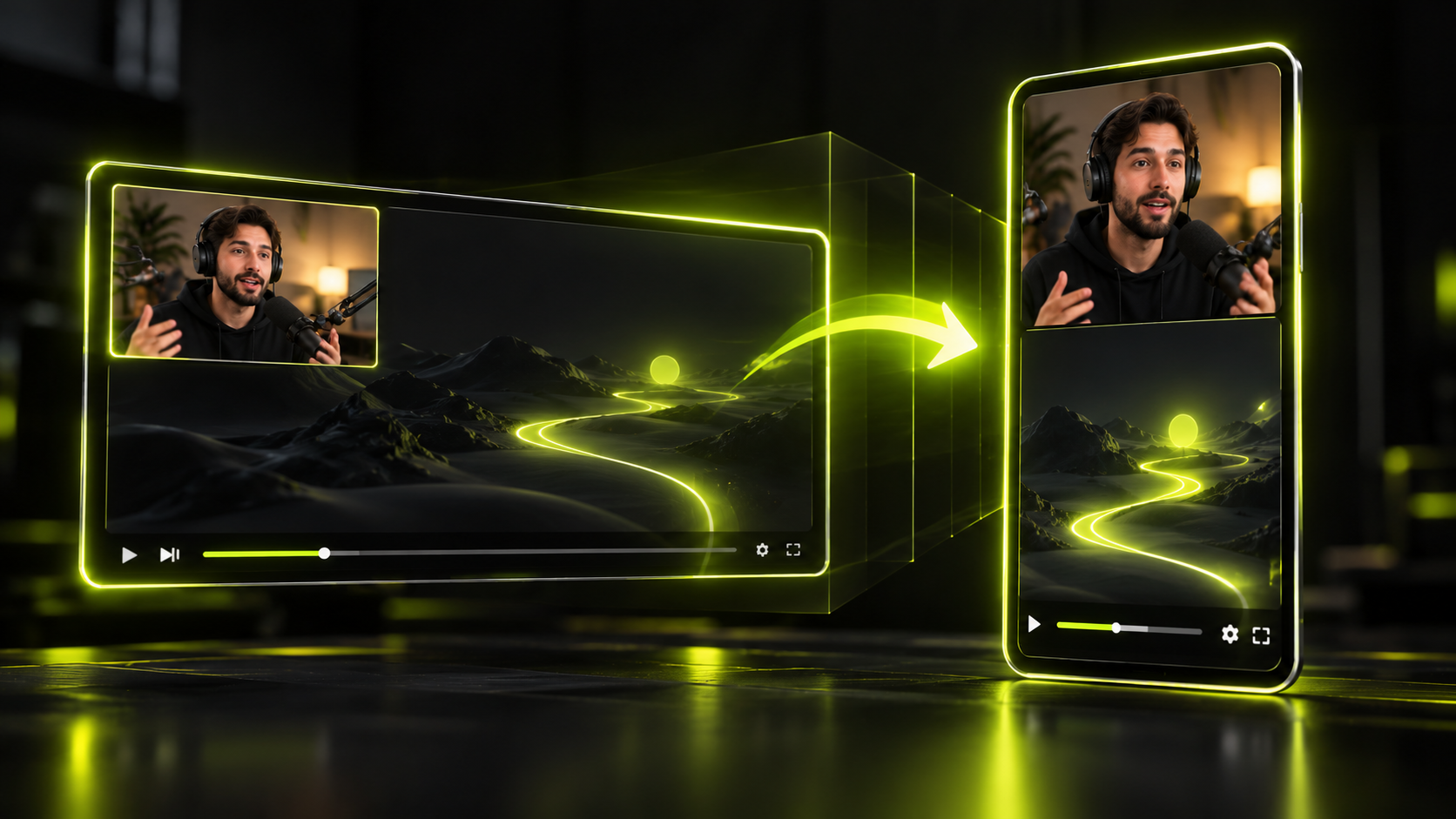
To grow followers with clips, post short vertical clips that open on a strong hook and make sense on their own. Post them on a schedule you can keep. Then give every viewer an easy next step, like your long video or more clips on the same topic. The footage should be yours, or used with the creator's permission.
That last point carries more weight in 2026. YouTube and Instagram have both said they favor original work over reposted copies. Reports on YouTube's Oct 1, 2026 Shorts update say it pushed further in that direction. This playbook covers both ways to grow with clips: clipping your own long videos, and clipping other creators with permission or through clipping programs. Every platform claim links to its source. Where something is our advice rather than a platform statement, we say so.
The short version
- Pick a lane first. Clipping your own long videos builds your own channel. Clipping other creators needs permission and often runs through paid clipping programs.
- Since Aug 24, 2026, YouTube counts a view the moment a video starts to play, in every format. YPP earnings still use engaged Shorts views.
- Social Media Today and PPC Land report that YouTube's Oct 1, 2026 update cuts Shorts reach for channels that mainly re-upload other creators' content.
- Permission covers copyright. It doesn't exempt you from YouTube's reused content rules for monetization.
- Instagram says it replaces copied reels with the original in recommendations.
- YouTube said in 2023 that posting more doesn't help on its own. Choose a cadence you can sustain.
- Track watch time, shares or sends, and follows per view. Raw views alone won't tell you whether you're growing.
Clips vs original shorts: why the difference matters in 2026
A clip is a cut from a longer video. An original short is made for the feed from scratch. Both can grow an account. In 2026, though, platforms look harder at whose footage a clip uses and what the uploader added.
The biggest change is YouTube's Shorts originality update. On Oct 1, 2026, Social Media Today reported a TeamYouTube post on prioritizing original content on Shorts. PPC Land covered it the next day. The TeamYouTube thread itself didn't render when we checked it, so the points below come from those two reports:
- YouTube reduces the Shorts reach of content re-uploaded from other creators.
- The target is channels "primarily aggregating" other people's content.
- Minor technical or template edits don't count as added value.
- If a channel shifts toward original work, YouTube re-evaluates its reach.
- Neither report describes a change to monetization.
What about clips cut from your own long videos? We found no YouTube statement that they're exempt, and neither report says so. Don't build a plan on that assumption. Our advice is to make each clip a complete short, with its own hook and its own point. A raw chunk of a long video is harder to defend as added value.
The update fits how YouTube already describes the Shorts feed. YouTube says the feed is "personalized to reflect what we think you want to see next." That's from its Help page on how the Shorts feed works. The inputs it names include watch history, likes, "Not interested" feedback and surveys. For a deeper split between official statements and folklore, see what's confirmed about the YouTube Shorts algorithm.
Pick your lane: your own long-form or other creators' videos
There are two ways to grow with clips, and they lead to different places. Lane 1 is clipping your own long videos. Lane 2 is clipping other creators' videos, with permission or through a clipping program. Pick your main lane before you plan anything else, because it changes your rights, your money and your link options.
| Lane 1: your own long-form | Lane 2: other creators' videos | |
|---|---|---|
| Who owns the footage | You | The creator or brand, used with permission |
| Whose audience grows | Yours, including your long-form channel | The source creator's, plus your clip account |
| How it can pay | Your own monetization | Campaign pay per 1,000 views, after approval (see Whop below) |
| YouTube related video link | Can point to your own long video | Works only with your own uploads, so it can't point to theirs |
| Biggest policy risk | Clips that feel like unedited chunks | Reused content rules and the Oct 2026 aggregation update |
Lane 1: clip your own long videos
This lane suits podcasters, streamers, coaches and educators who already publish long-form. You own the footage, so copyright isn't a question. You can link each Short to the full video on YouTube, if your channel has advanced feature access. And every new follower lands on a channel full of more of your work.
The practical edge is batching. One long video can hold several standalone moments, so one recording can feed a week of posts. The full process, from transcript to export, is in our guide to turning long videos into shorts.
The trap in this lane is laziness, not legality. Posting the same talking head with a different caption every day can start to look like volume for its own sake. Choose moments that would work for a stranger with zero context.
Lane 2: clip other creators' videos, with permission
Clipping means cutting someone else's long videos into shorts and posting them, usually on your own accounts. Many clippers do it through campaigns where a creator or brand pays per view. Our explainer on what clipping is and how clipping programs work covers the basics.
Whop's Content Rewards is one example of how a campaign is set up. Its official documentation, written for brands, describes this setup:
- The brand reviews each submission and approves or rejects it.
- Clippers are paid only after approval, automatically, "based on the number of views they got."
- The brand sets the rate per 1,000 views, the total budget (funded upfront) and the max payout per video.
- The brand also sets a minimum payout a clip must reach before review.
- Clipping campaigns accept TikTok, YouTube Shorts, X and Instagram Reels, and brands provide the footage and assets.
That doc doesn't say how views are verified, when payouts land, what fees apply, or what rights clippers get. Read each campaign's own terms before you post anything. For how rates and rejections work in practice, see clipper pay rates, verified views and rejections.
Here's the growth question to ask in this lane: whose audience are you building? A clip account can grow, but viewers may follow for the source creator, not for you. And an account built only on other people's footage is close to the "primarily aggregating" channels the Oct 2026 update describes. If your own following is the goal, plan to mix in original work over time.
Hooks come first
The hook is the opening of a clip, roughly its first 1 to 3 seconds. Treat it as the whole pitch. Platforms reward clips people keep watching: Instagram's ranking explainer says it predicts whether you'll watch to the end. A viewer who swipes in the first second never reaches your best line.
A moment and a hook aren't the same thing. A moment is something interesting in the video. A hook is the line that makes a stranger stop scrolling to see that moment. Loud or high-energy moments feel like obvious hooks, but often they're the payoff. A payoff without a setup makes no sense to someone who just arrived.
Here's an illustration, not a real quote. A 60-minute coaching podcast has a five-minute story about a failed product launch. The big laugh comes three minutes in. A clip that starts on the laugh leaves a stranger confused. A stronger start is the line that sets the stakes. For example: "I spent the whole budget on an ad nobody clicked." Open there, and the laugh lands later as the payoff.
Three checks help when you pick an opening line:
- Does it make sense with no earlier context? Lines like "as I said before" fail this test.
- Does it raise a question the next sentence answers?
- Is the speaker visible and framed well at 9:16 from the first frame?
For a full method, read our guide to hooking viewers in the first three seconds of a short.
In Hookspring, finding hooks is part of the clip search itself:
- Go to Create → Long video, upload the file or paste a YouTube link, and click Find clips. The credit cost shows before you start.
- Open the review list and sort by score. Each clip's hook score rates its opening 1 to 3 seconds and comes with a plain-English reason.
- Read the reason, not just the number. If the opening leans on earlier context, drag the timeline handles in the editor to start on a stronger line.
- Drag the focus box on the stage onto the speaker, so they stay framed at 9:16.
- In the Captions tab, pick the Hook, Minimal or News template and fix any line by hand.
- Go to Export → Download and choose 1080p for a vertical MP4 with captions burned in.
A score helps you sort a batch faster. It can't promise views, so keep your own judgment in the loop.
Post on a cadence you can keep
Post as often as you can while keeping every clip good, and no more. YouTube's own comments back this up. In 2023, YouTube's Shorts lead told TechCrunch that posting more doesn't help on its own. The advice was quality over quantity.
YouTube shared two related points in that 2023 interview:
- The algorithm looks for a seed audience for each Short, a first group of viewers likely to enjoy it.
- Deleting a Short and reposting it can look like spam.
Those comments are three years old, so treat them as YouTube's stated view in 2023, not a 2026 rulebook. They still point to a clear practice. Don't flood the feed with weak clips, and don't delete underperformers to try again.
A sustainable cadence is one you could keep for three months without your quality slipping. As an example, one long video a week might give you three good clips. Then three posts a week is your cadence, not seven. If a good week gives you six, post six. If a slow week gives you two, post two.
Batching makes this easier. Clip a whole long video in one session, then spread the posts across the week. Our guide on how often to post Shorts builds a weekly plan around this idea.
The 3 metrics that matter
The three metrics that tell you whether clips are growing your account are watch time, shares or sends, and follows per view. Read each one against how many people actually saw the clip, not as a raw total. Views alone are a weak signal, and on YouTube they now count something different from before.
Views vs engaged views on YouTube
YouTube's rule since Aug 24, 2026: "views are counted the moment a video starts to play across all formats." That's from YouTube's Help page on how views are counted. A view now tells you a video started, not that anyone watched it.
This built on an earlier Shorts-only change. On Mar 31, 2025, YouTube changed how Shorts views count. A Shorts view began counting whenever a Short "starts to play or replay, with no minimum watch time requirement." That's per its Help page on Shorts views. The 2026 rule extended start-based counting to every format.
The older count lives on as "Engaged views" in YouTube Analytics. Engaged views count viewers who "stayed to watch past the initial seconds, not including any loops." That's per YouTube's Help page on how views are counted. YPP eligibility and Shorts earnings still use engaged views. So if you care about money or a quality signal, look at engaged views. Our guide to YouTube Shorts monetization in 2026 explains how that feeds into earnings.
In practice, compare engaged views to views on each Short. A big gap suggests lots of starts and fast swipes, which points back to your hook.
What Instagram says it ranks on
Instagram has been more direct about its signals. In January 2025, Social Media Today reported Adam Mosseri saying: "The top three signals that matter most for ranking are watch time, likes and sends."
Per that report, Instagram suggests tracking three ratios:
- Average watch time.
- Likes per reach.
- Sends per reach.
Sends matter more for reaching people who don't follow you yet. That makes them the metric to watch when growth is the goal.
Instagram's 2023 ranking explainer adds detail for Reels. It says Instagram predicts how likely you are to reshare a reel, watch it to the end, like it, or visit the audio page.
A cross-platform metrics table
TikTok's primary help pages weren't part of our source set for this post. So the TikTok row below is our advice on what to watch, not a TikTok statement.
| Platform | Reach check | Quality check | Growth check | Basis |
|---|---|---|---|---|
| YouTube Shorts | Views count the moment a video starts | Engaged views vs views | Subscribers gained after posting | YouTube Help (views); growth check is our advice |
| Instagram Reels | Reach | Average watch time, likes per reach | Sends per reach, follows (our advice) | Mosseri via Social Media Today |
| TikTok | Views | Watch time and completion | Shares, follows from the video | Our advice, not a TikTok statement |
Whatever the platform, compare clips with each other, not with someone else's account. Your best clip from last month is a better benchmark than any number you saw in a thread.
Turn viewers into followers
Viewers follow when they can see there's more of what they just liked. Your job is to make the next step obvious: a related long video, a run of clips on the same topic, or both.
On YouTube, the related video link is the cleanest tool for Lane 1. YouTube's Help page on related video links lists the rules:
- It shows a clickable link under your handle on a Short.
- It works only with your own public or unlisted uploads.
- It needs advanced feature access on your channel.
- You set it in Studio → Content → the Short.
For Lane 2, that rule matters. You can't use the related video link to point at another creator's long video. Clippers need to lean on consistency instead.
Beyond the link, these habits help viewers decide to follow. They're our advice, not platform rules:
- Keep a clear topic, so your profile looks like a series rather than a grab bag.
- End a clip on a point that hints at more, like the next question in the episode, without cutting off the answer.
- Post related clips close together, so a curious viewer finds a second and third one.
- Keep captions and framing consistent, so your clips are recognizable in the feed.
If your Shorts get views but no subscribers, start with those habits. Often the clip is fine and the profile gives no reason to stay. Our guide to turning Shorts viewers into long-form subscribers goes step by step through this.
Rights and policy basics for clips
Clips face three separate checks: copyright, platform reach rules, and YouTube's monetization rules. Passing one doesn't pass the others. Permission handles copyright, but it doesn't make a clip "original" for reach or monetization.
| Check | Who decides | What it asks | Does permission solve it? |
|---|---|---|---|
| Copyright | The rights holder | Are you allowed to use this footage? | Yes, that's what permission is for |
| YouTube reused content | YouTube, at channel level | Is there a meaningful difference from the original? | No, YouTube says permission doesn't exempt you |
| YouTube Shorts originality (Oct 2026) | YouTube's recommendations | Is the channel primarily aggregating? | Not addressed in the reports |
| Instagram originality | Instagram's recommendations | Is this the original or a copy? | Not addressed in Instagram's post |
Copyright: get permission first
Only clip videos you own or have clear permission to use. Permission can be a direct agreement with the creator or the terms of a clipping program. In the US, fair use exists, but it's a narrow defense you argue after a dispute, not a plan for a clip channel. Crediting the creator is good manners. It isn't permission.
This isn't legal advice. For the details, read our guide to whether clipping is legal, from permission to fair use.
YouTube's reused content policy
YouTube's reused content policy decides whether clip content can earn money in the YouTube Partner Program. According to YouTube's channel monetization policies, reused content is monetizable only with "a meaningful difference between the original video and your video."
Three details matter for clippers:
- YouTube judges this at the channel level, not clip by clip.
- It's separate from copyright, so having permission doesn't exempt you.
- Content that isn't allowed includes show clips with "little or no narrative" and "Promotion of other people's content (even if you have permission)."
YouTube updated the policy on July 15, 2025. The old "repetitious content" policy was renamed "inauthentic content," and the reused content rules didn't change. Our breakdown of YouTube's inauthentic vs reused content rules covers both in more depth.
Instagram's originality rules
Instagram set out its approach in an April 2024 post on recommendations and originality. It says "the original content will directly replace the copied version in recommendations." Instagram also labels copies. Accounts that repeatedly aggregate others' content can become ineligible for recommendations.
The 2023 ranking explainer adds three things Instagram shows less: watermarked reels, low-resolution reels, and reels that were already posted. In practice, upload a clean, sharp file without another app's watermark.
A 30-day plan for growing with clips
This example month puts the playbook together. It's illustrative, not a promise of results. Your footage, niche and audience will shape what happens, so adjust the numbers to what you can sustain.
Days 1 to 7: set up
- Pick your lane. If it's Lane 2, confirm permission or join a campaign and read its terms.
- Choose one or two long videos to work from, or one campaign's footage.
- On YouTube, check whether your channel has advanced feature access, so you can use related video links.
- Write down a baseline from your last few clips: views, engaged views or reach, and followers gained.
- Pick a cadence you could keep for three months. For this example, say three clips a week.
Days 8 to 14: batch and post
- Clip one long video in a single session and keep only the moments that work with zero context.
- Start every clip on its hook line, not on the warm-up before it.
- Reframe to 9:16, add captions, and export clean 1080p files.
- Post on your chosen days. On YouTube, set the related video link on each Short that comes from your own long video.
Days 15 to 21: read the numbers
- For each clip, compare engaged views to views on YouTube, or watch time and sends per reach on Instagram.
- Sort clips by follows gained, not by views.
- Look at what the best openings have in common: a question, a strong claim, a clear stakes line.
- Leave weak clips up. Deleting and reposting can look like spam, as YouTube said in 2023.
Days 22 to 30: adjust
- Pick the next long video or campaign based on what held attention, not what got the most starts.
- Keep the cadence unless quality slipped. If it did, post fewer clips next month.
- Compare the month's follower change with your baseline from week one.
- If you're in Lane 2 and want your own audience, plan one piece of original work for next month.
FAQ
Do YouTube Shorts help you get subscribers?
They can, when viewers have a reason to follow. A Short that hooks a stranger, sits in a clear topic, and links to a related long video gives them that reason. YouTube's related video link only works with your own uploads, so it helps most when you clip your own long-form.
How many Shorts should I post a day?
There's no official number, and YouTube said in 2023 that posting more doesn't help on its own. Post as many good clips as you can sustain for months. A workable starting point is a few a week from one batched long video.
Can you grow by clipping other people's videos?
You can grow an account, but you need permission first. You also need to know who you're building an audience for. Social Media Today and PPC Land report that YouTube's Oct 2026 update reduces Shorts reach for channels "primarily aggregating" others' content. Instagram replaces copies with originals in recommendations. Mixing in original work is the safer long-term plan.
Why do my Shorts get views but no subscribers?
Since Aug 24, 2026, YouTube counts a view the moment a video starts to play, so views can rise without real watching. Check engaged views against views first. If watching is solid, it often points to conversion: no clear topic, no related video link, or no reason to see more.
Does YouTube punish reposted clips?
YouTube's Oct 1, 2026 update, as reported by Social Media Today and PPC Land, reduces Shorts reach for content re-uploaded from other creators. The target is channels that mainly aggregate, and minor edits don't count as added value. Separately, YouTube said in 2023 that deleting and reposting your own Short can look like spam.
The takeaway
Growing with clips comes down to a few habits. Clip footage you have the right to use. Open on a real hook. Post at a pace you can hold, and read follows and watch time instead of raw views. Platforms are tilting toward original work in 2026. That favors creators who clip their own long-form, or who add real value to what they clip.
Written and maintained by the Hookspring team. Spot an error or something out of date? Email hello@hookspring.com.
Sources
- How views are counted on YouTube, YouTube Help, retrieved 2026-10-18
- How Shorts views and engaged views are counted, YouTube Help, retrieved 2026-10-18
- How the YouTube Shorts feed works, YouTube Help, retrieved 2026-10-18
- YouTube demystifies the Shorts algorithm, views and answers other creator questions, TechCrunch, retrieved 2026-10-18
- Add a related video to your Shorts, YouTube Help, retrieved 2026-10-18
- YouTube channel monetization policies (reused and inauthentic content), YouTube Help, retrieved 2026-10-18
- Prioritizing original content on Shorts, TeamYouTube on the YouTube Help Community, retrieved 2026-10-18
- YouTube updates Shorts algorithm to put more focus on original content, Social Media Today, retrieved 2026-10-18
- Re-uploaded Shorts lose reach as YouTube favours original clips, PPC Land, retrieved 2026-10-18
- Instagram ranking explained, Instagram, retrieved 2026-10-18
- Recommendations and originality, Instagram Creators, retrieved 2026-10-18
- Instagram shares algorithm insights for 2025, Social Media Today, retrieved 2026-10-18
- Content Rewards, Whop Docs, retrieved 2026-10-18