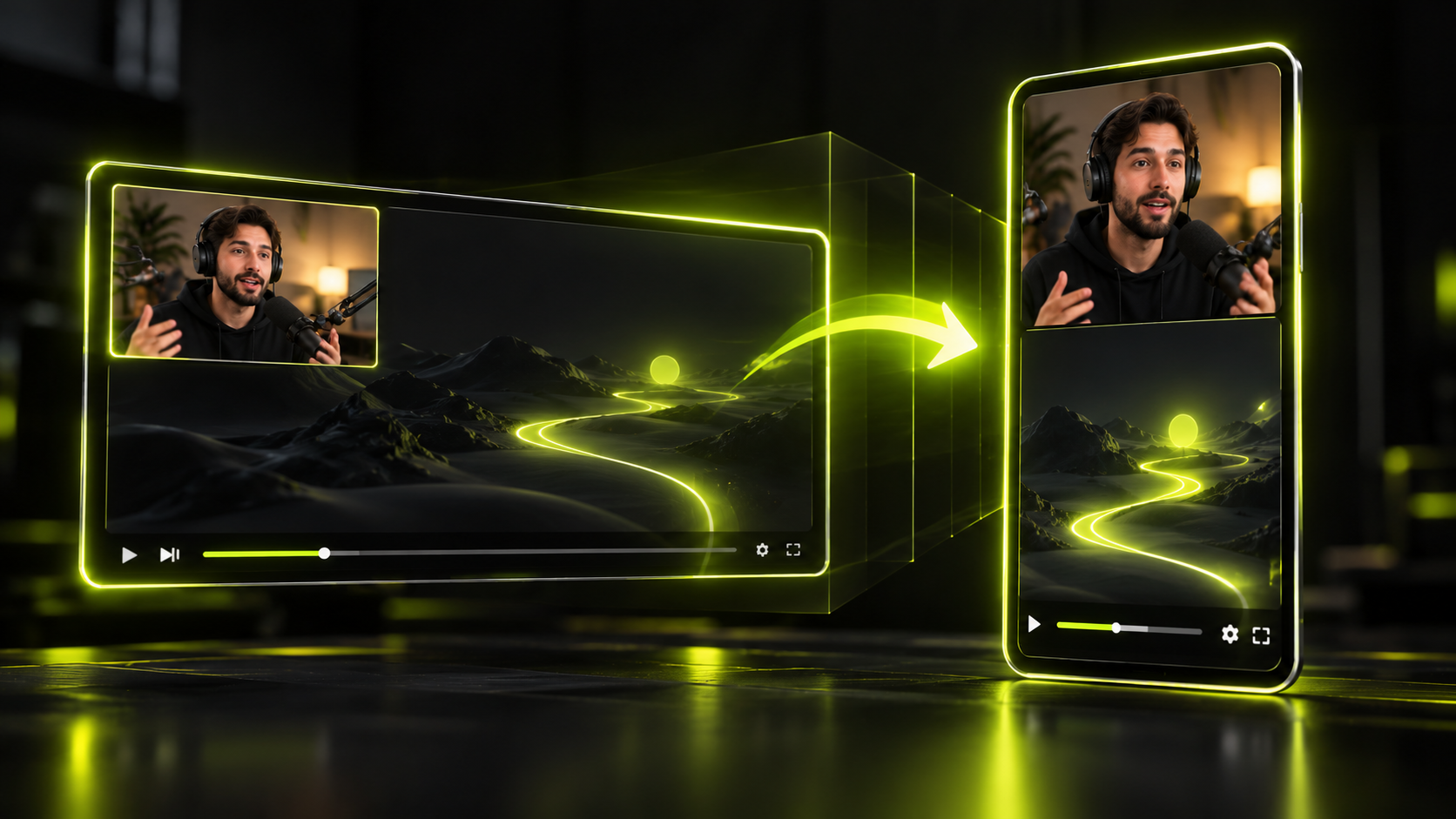
As of October 2026, YouTube Shorts can be up to 3 minutes long, in a square or vertical frame. Instagram Reels can run up to 20 minutes, but only Reels of 3 minutes or less are recommended to new audiences. TikTok's limits may differ between accounts, so check the upload screen in the app before you export.
If you want one file for all three, a 9:16 vertical MP4 at 1080x1920 is a sensible place to start. That frame size is our working default, not a rule any platform publishes. Every platform number below comes from that platform's own help pages, and where a platform publishes nothing, the table says so.
The short version
- YouTube Shorts: up to 3 minutes, square or vertical, for videos uploaded from October 15, 2024.
- Instagram Reels: up to 20 minutes, but keep it to 3 minutes or less if you want reach beyond your followers.
- Instagram's floor is 30 FPS and 720 pixels, with any aspect ratio between 1.91:1 and 9:16.
- TikTok: we couldn't verify current limits from TikTok's own pages, so check the upload screen.
- Ad and API specs, like the 1440x2560 Reels ad frame, are not the rules for a normal upload.
- Keep text and faces away from the edges, and re-check specs every quarter.
Shorts vs Reels vs TikTok: the spec table
Here are the organic upload specs as of October 2026. "Not published" means the platform's help pages give no number for that row.
| Spec | YouTube Shorts | Instagram Reels | TikTok |
|---|---|---|---|
| Max length | Up to 3 minutes (uploads from Oct 15, 2024) | Up to 20 minutes | Check the upload screen |
| Recommended length for reach | Not published | 3 minutes or less to reach new audiences | Check the upload screen |
| Aspect ratio | Square or vertical | Between 1.91:1 and 9:16 | Check the upload screen |
| Minimum resolution / frame rate | No Shorts minimum published | 720 pixels, 30 FPS | Check the upload screen |
| File size | 256 GB or 12 hours, whichever is less (all YouTube uploads) | Not published for app uploads | Check the upload screen |
| Encoding | MP4, H.264 High Profile, AAC-LC or Opus audio | Not published; upload the highest resolution possible | Check the upload screen |
Where each YouTube number comes from
YouTube's help page on Shorts length and format says Shorts can be up to 3 minutes long, in a square or vertical aspect ratio. The 3-minute limit applies to videos uploaded from October 15, 2024.
The file size cell is YouTube's cap for every upload, not a Shorts rule. Its upload limits page says: "The maximum file size you can upload is 256 GB or 12 hours, whichever is less."
The encoding cell summarizes YouTube's recommended upload encoding settings. The full list, with bitrates, is in the encoding section further down.
Where each Instagram number comes from
The Instagram Help Center lists an aspect ratio "between 1.91:1 and 9:16" and a minimum of 30 FPS and 720 pixels. A separate Reels help page says you can "record and edit videos up to 20 minutes."
That same page adds: "Reels over 3 minutes won't be recommended to new audiences." Instagram's creator FAQ repeats that only Reels of 3 minutes or less are recommended to non-followers. It also advises: "Upload the highest resolution possible."
A note on older spec lists
Spec roundups go stale. Some still say Shorts stop at 60 seconds, or that Reels max out at 90 seconds. Neither matches the help pages linked above. Others call 1080x1920 a minimum, which no platform page we checked says.
Why the TikTok column says "Check the upload screen"
We couldn't load TikTok's official help pages when we researched this post, so we couldn't verify a single current number. Plenty of spec lists repeat TikTok figures, but we won't copy numbers we can't trace back to TikTok.
Limits may also differ between accounts, which makes the app itself your most reliable source. Before you export a batch, start an upload in the TikTok app and note the length and file options it shows. Then set your export to fit inside them.
Ad and API specs are not organic upload specs
Some numbers in spec roundups apply only to ads, or to apps that publish through Meta's API. They're useful context, but they aren't the rules for a Reel you post from your phone.
| Spec (not organic) | Value | Applies to |
|---|---|---|
| Length | 3 seconds minimum, 15 minutes maximum | Instagram Graph API publishing |
| File size | 300MB maximum | Instagram Graph API publishing |
| Frame rate | 23 to 60 FPS | Instagram Graph API publishing |
| Codec and container | HEVC or H.264, MOV or MP4 | Instagram Graph API publishing |
| Frame size | 9:16 at 1440x2560 | Meta Reels ads |
| Safe zones | 14% top, 35% bottom, 6% sides | Meta Reels ads |
The first four rows come from Meta's Instagram Graph API media reference. If a tool publishes Reels for you through that API, these are the limits its upload must meet. Note the API length cap is 15 minutes, while the app lets you record and edit up to 20.
The last two rows come from Meta's Reels ads guide. They describe paid placements, not organic posts.
Safe zones: keep text and faces clear of the buttons
Keep captions, titles and faces out of the top strip, the bottom third and the side edges. Each app lays its own buttons and text over your video, so the edges of the frame aren't fully yours.
YouTube Shorts: use the visual guides
YouTube doesn't publish pixel or percentage safe zones for Shorts. Its Enhance your Shorts page describes in-app visual guides instead.
These guides help you "position and align video elements correctly within the Shorts feed." They also show where viewer elements "like the like button might appear." Use them while you place text, then preview the Short before you post.
Instagram Reels: borrow Meta's ad percentages
Meta's ads guide sets Reels ad safe zones at 14% from the top, 35% from the bottom and 6% on each side. Those numbers are written for ads. Treat them as a rule of thumb for organic Reels, not an official organic spec.
Here's an illustration using our own arithmetic on a 1080x1920 frame:
- Top margin: 14% of 1,920 is about 269 pixels.
- Bottom margin: 35% of 1,920 is 672 pixels.
- Side margins: 6% of 1,080 is about 65 pixels each.
- Clear area left over: roughly 950 pixels wide by 979 pixels tall.
That clear area is where your hook text and the speaker's face should sit. For caption size, style and timing inside it, see our guide to captions for shorts.
One export that works on all three
Export a 9:16 vertical MP4 at 1080x1920, keep it to 3 minutes or less, and keep text inside the clear area. That one file fits the published limits on YouTube and Instagram, and it's a good starting point for TikTok.
Here's why each part holds up:
- YouTube Shorts: a vertical frame of 3 minutes or less sits inside the Shorts limits.
- Instagram Reels: 9:16 is the vertical end of the allowed range, and 1080x1920 clears the 720-pixel minimum.
- Instagram reach: 3 minutes or less keeps the Reel eligible for recommendations to new audiences.
- Frame rate: export at the rate you recorded, as YouTube recommends, as long as it's 30 FPS or more for Instagram.
- TikTok: confirm the file fits on the upload screen before you post a batch.
Again, 1080x1920 is our framing. It's a common 9:16 frame size, not a required size on any platform.
Most footage starts horizontal, so the hard part is keeping the speaker in frame. Our guide on how to convert horizontal video to vertical covers reframing without losing the subject. For the full cut, caption and export routine, see how to edit vertical video for Shorts, Reels and TikTok.
In Hookspring, set the frame under Editor → Focus → Layout and pick 9:16. Then go to Editor → Export → Download and choose 720p or 1080p vertical MP4. Captions are burned in, the file renders in your browser, and there's no watermark.
Pick 1080p for the sharpest file. By our reading, a 720p export still meets Instagram's 720-pixel minimum. If you're starting from a long recording, the long video to shorts workflow shows the steps before export.
Encoding settings YouTube recommends
YouTube recommends an MP4 file with H.264 video and AAC-LC or Opus audio. These settings come from its encoding page and apply to all uploads, not just Shorts:
- Container: MP4, with the moov atom at the front of the file (Fast Start).
- Video codec: H.264 High Profile, progressive scan, CABAC, 4:2:0 chroma, variable bitrate.
- Frame rate: the same rate you recorded at.
- 1080p SDR bitrate: 8 Mbps at 24, 25 or 30 FPS, and 12 Mbps at 48, 50 or 60 FPS.
- 720p SDR bitrate: 5 Mbps at standard frame rates, and 7.5 Mbps at high frame rates.
- Audio: AAC-LC or Opus, 48 kHz, stereo at 384 kbps.
Instagram doesn't publish organic encoding settings. Using the same H.264 MP4 there is a reasonable choice, and it keeps you to one export.
How we keep this table current
We re-check every cell against the linked help pages each quarter and update the date at the top of the post. The next scheduled check is January 2027.
If a number here disagrees with what the app shows on its upload screen, trust the app. Then email us so we can fix the table.
FAQ
What size is a YouTube Short?
YouTube says Shorts can use a square or vertical aspect ratio, but it doesn't publish a required pixel size. A 9:16 frame at 1080x1920 is a common choice. That size is our recommendation, not a YouTube rule.
How long can a YouTube Short be?
A YouTube Short can be up to 3 minutes long for videos uploaded from October 15, 2024, according to YouTube Help. Lists that still say 60 seconds are out of date.
What are the dimensions for Instagram Reels?
Instagram accepts Reels with an aspect ratio between 1.91:1 and 9:16, at a minimum of 30 FPS and 720 pixels. For a vertical Reel, use 9:16. Instagram's creator FAQ advises uploading the highest resolution possible.
How long can a TikTok be?
We couldn't verify TikTok's current length limit from its official pages for this update, and limits may differ between accounts. Start an upload in the TikTok app and check the upload screen. That shows the limit for your account.
Can I post the same video to Shorts, Reels and TikTok?
Yes, if you build it to fit the overlap. Make it 9:16 vertical, 3 minutes or less, at least 30 FPS, with text inside the safe area. Confirm TikTok's limits on its upload screen first. If you also post to Facebook, its help page says: "All videos posted to Facebook will be shared as reels, regardless of length or orientation."
Written and maintained by the Hookspring team. Spot an error or something out of date? Email hello@hookspring.com.
Sources
- Shorts length and format, YouTube Help, retrieved 2026-10-18
- Recommended upload encoding settings, YouTube Help, retrieved 2026-10-18
- Upload videos longer than 15 minutes, YouTube Help, retrieved 2026-10-18
- Enhance your Shorts with visual guides, YouTube Help, retrieved 2026-10-18
- Reels aspect ratio and resolution, Instagram Help Center, retrieved 2026-10-18
- Reels length, Instagram Help Center, retrieved 2026-10-18
- Creator FAQ, Instagram Creators, retrieved 2026-10-18
- IG User Media reference, Meta for Developers, retrieved 2026-10-18
- Instagram Reels video ads specs, Meta Ads Guide, retrieved 2026-10-18
- Videos shared as reels, Facebook Help Center, retrieved 2026-10-18